
Old apps that run on fixed servers are slow to update and hard to scale. Every release feels risky, and a small change can break something in production.
OpsBee helps you package your applications into Docker containers and run them smoothly on Kubernetes. We study your current setup, containerize each app step by step, and make sure it works the same way on a laptop, a test server and the cloud. The result is faster releases, lower server costs and fewer late night issues for your team.
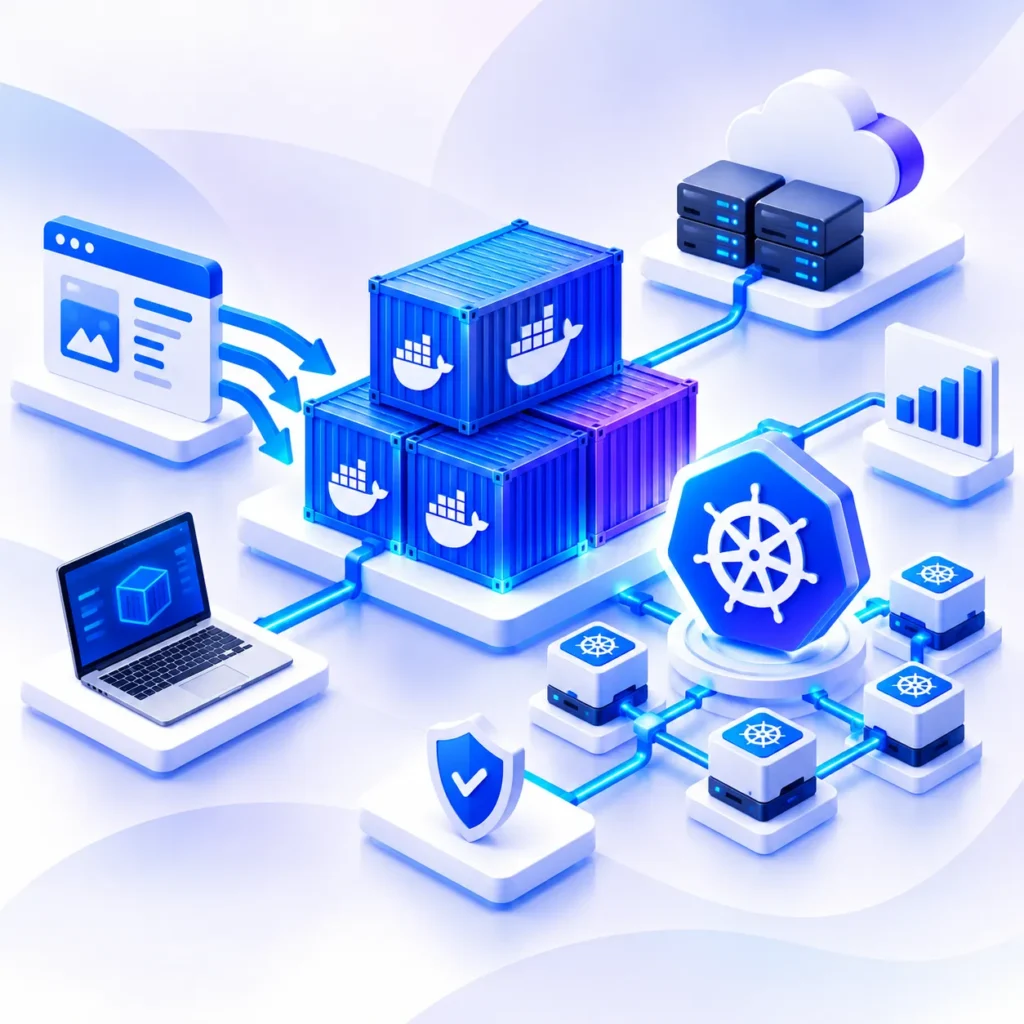
From your first Dockerfile to a live Kubernetes cluster, we cover every part of the container journey.
We package your web apps, APIs and background jobs into clean Docker images. Each image is small, versioned and ready to run anywhere.
We move older monolithic apps from physical or virtual servers into containers. Where it helps, we split them into smaller services without stopping your business.
Large images slow down every deployment. We cut image size, remove unused packages and use multi stage builds so your apps start faster.
We deploy your containers on Amazon EKS, Azure AKS, Google GKE or your own servers, with health checks, autoscaling and rolling updates set up from day one.
We scan every image for known vulnerabilities, use trusted base images, manage secrets safely and set access rules so only the right people can make changes.
OpsBee containerizes your applications one step at a time. Our DevOps engineers handle planning, building, deployment and support, so your team can keep shipping new features without worry.
With our containerization team, businesses can:
Work with hands on DevOps engineers who build and run containers every day.
Move one app at a time, so the business keeps running while the work is done.
Run containers the same way on AWS, Azure, Google Cloud or on premise servers.
Lower infrastructure cost, as containers use servers more efficiently and you pay only for what your apps really use.
Get support after go live with monitoring, updates and fixes once the apps are live.
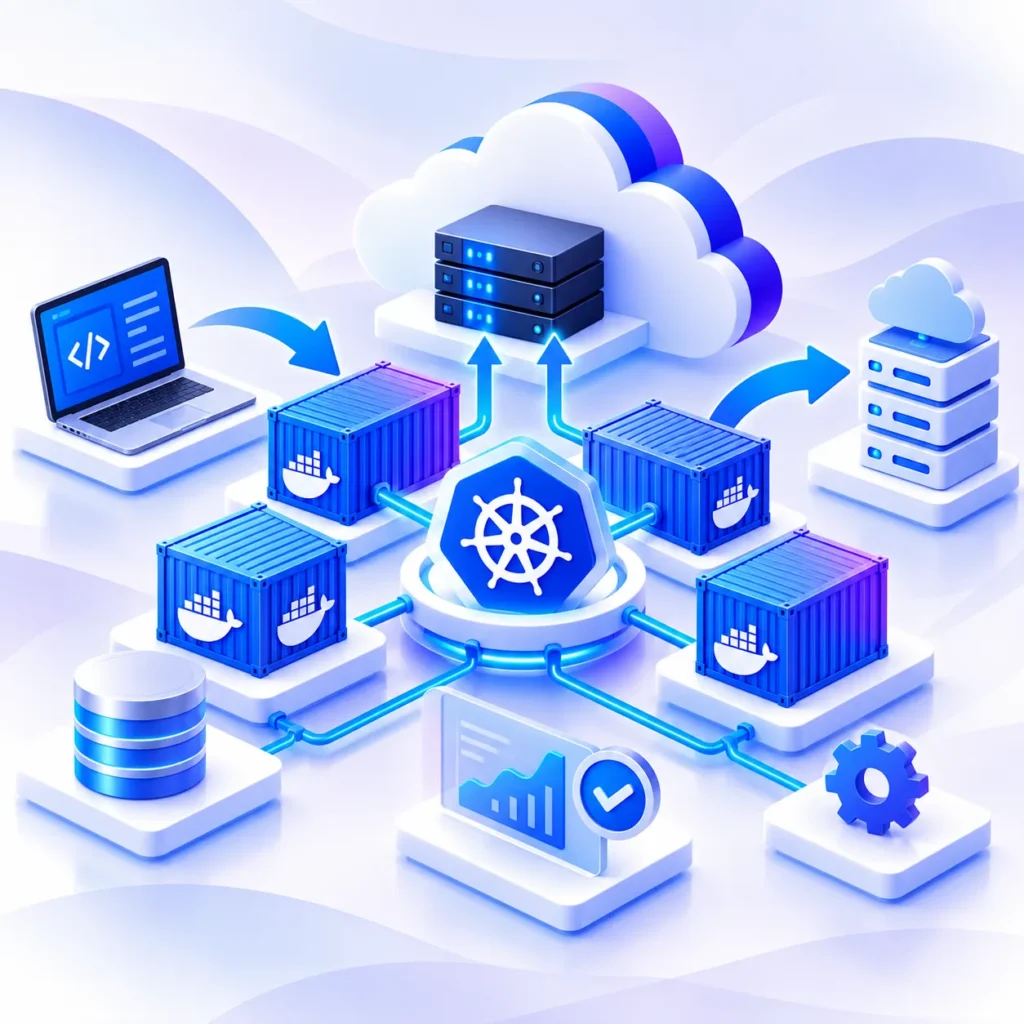
Need a full internal platform for your developers on top of containers? See our Kubernetes Platform Engineering service.
A simple four step process, so you always know what is happening and what comes next.
We review your apps, servers and dependencies, pick the right Kubernetes setup and share a clear timeline with you.
We write Dockerfiles, build images and test each app in a staging environment that matches production.
We move apps to Kubernetes in small batches with rollback ready, so users see no downtime.
We monitor your apps after go live, apply updates and fix issues so your containers stay stable.
Partner with OpsBee to package your applications into Docker containers and run them on Kubernetes across AWS, Azure or Google Cloud. We containerize, test and deploy each app step by step, so your releases get faster and your business keeps running without disruption.
Have questions about Docker, Kubernetes, or moving your apps into containers? Here are some of the most common questions businesses ask before starting a containerization project with OpsBee.
Containerization services help you package an application with everything it needs, like code, libraries and settings, into a container. The app then runs the same way on any server or cloud.
Docker is used to build and run containers. Kubernetes manages many containers together, handling scaling, restarts and updates. Most businesses use both.
Yes. Most legacy apps can be moved into containers. We first check dependencies and data needs, then containerize them in stages with full testing.
A single app usually takes one to three weeks. Larger projects with many apps are planned in phases, and we share a clear timeline after the assessment.
In most cases, yes. Containers share server resources better than virtual machines, and autoscaling stops you from paying for idle servers.
No planned downtime. We run the old and new versions side by side and switch traffic only after the containerized app is tested and stable.

OpsBee Technology stands as a trusted provider of IT Managed Services and Infrastructure Solutions, delivering reliable technology support and services across India.
Copyright © 2026 All Rights Reserved.